
Duskfade Beginner Guide
Learn the controls, spend your first upgrades, and leave gated chests for later. This is the first-hour page, not the full walkthrough.
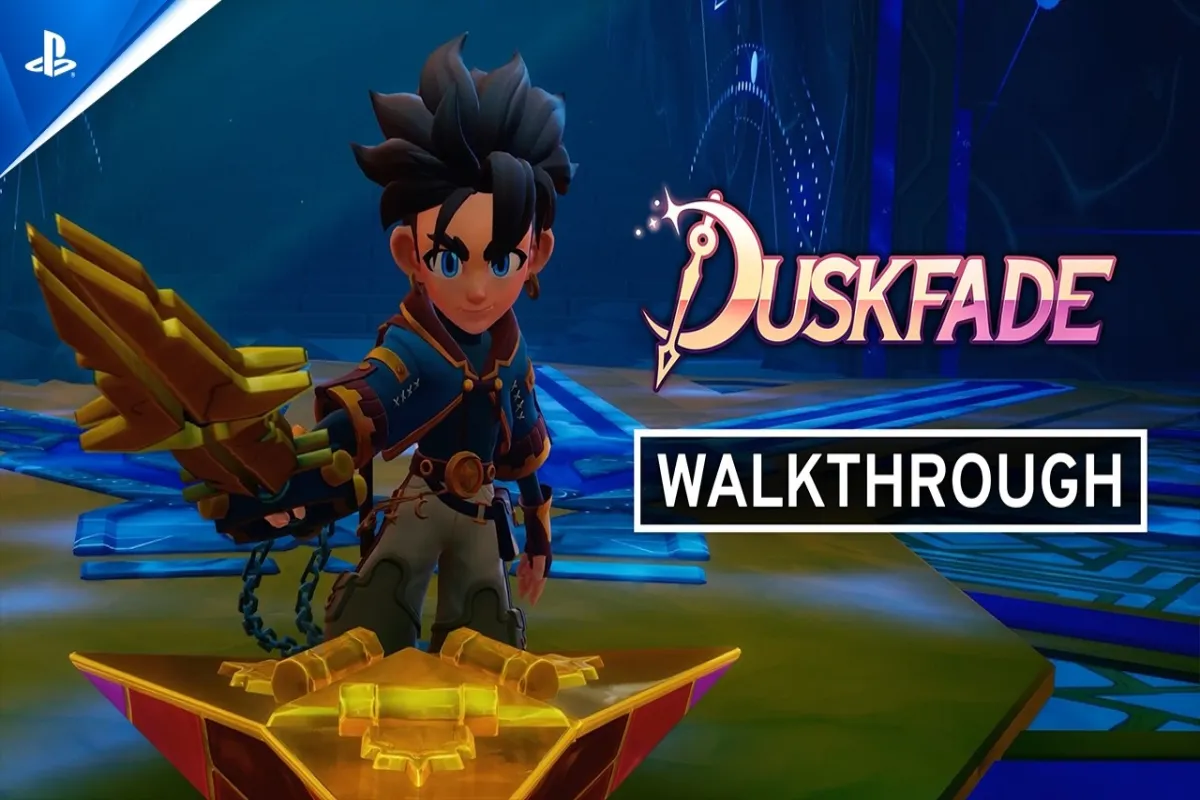
Quick Start
Duskfade is a single-player 3D action-platformer. You play Zirian, with the mechanical companion Cuckoo, and you use Tick Town as a hub between four worlds.
- Controls: WASD / mouse on PC, full controller support on every platform.
- Combat: light attack, heavy attack, roll, lock-on, potion.
- Movement: official set is Jump, Dash, Grapple, and Glide. Double jump, rail-grind, and mid-air tricks show up as you play.
- First upgrades: spend Upgrade Gears and Crystals in Tick Town. Do not hoard forever.
- Progression: story unlocks movement. Tick Town Fast Travel lets you switch paths.
- Explore now / leave later: grab route items. Come back after the movement kit grows.
Controls
Steam lists full controller support. The tables below are default layouts from a release-version PC / Xbox controls guide. They are not an official developer key sheet. Bindings can be changed in-game.
| Action | PC | Xbox controller |
|---|---|---|
| Move | WASD | Left Stick |
| Jump | Space | A |
| Roll / Dodge | Q | B |
| Light Attack | Left Mouse | X |
| Heavy Attack | Right Mouse | Y |
| Lock-On | Caps Lock | Right Stick click |
| Grappling Hook | E | RT |
| Potion | R | RB |
| Gadgets | 1 / 2 / 3 / 4 | D-pad |
PlayStation players can map the same layout by face-button position: Cross = Jump, Circle = Roll, Square = Light Attack, Triangle = Heavy Attack.
A few fan pages disagree on the lock-on and roll keys. If your build does not match the table, open the in-game control screen and use that.
Movement
Official store copy names four traversal actions:
| Action | What it is for |
|---|---|
| Jump | Basic platforming. Later jumps chain into more height. |
| Dash / Roll | Fast movement and a combat get-out. |
| Grapple | Hook shots across gaps and up marked points. |
| Glide | Longer air time across the bigger biomes. |
Release-version reviews and collectible guides also describe:
- Double jump
- Mid-air attack for a little extra height
- Rail-grind with a sundial-style ability
- Environmental boosts such as water spurts and bouncy plants
Those extras unlock through the story. Current guides do not publish a trustworthy official unlock order, so do not restart a file just because an early chest looks unreachable.
Combat Basics
Keep the kit small at the start:
- Light attack for normal packs.
- Heavy attack when you have a window.
- Roll through the hit you cannot jump.
- Lock-on when the camera loses a single target.
- Grapple is movement first, but it also keeps you from falling out of a fight.
- Drink a potion instead of walking back to Tick Town after every mistake.
Launch reviews generally like the bosses more than they like getting lost. Learn tells, do not panic-roll off the arena.
Upgrades
Tick Town is the upgrade desk.
- Upgrade Gears (36 in current checklists) plus Crystals buy upgrades.
- Current guides split the shop into health, energy, and weapon lines.
- Coins / N1-C0ins feed the Traveler’s card shop, not every upgrade node.
- Shopaholic is “buy all of the Traveler’s objects and upgrades.”
Spend early enough that later platforming is comfortable. You do not need a perfect spend order on hour one.
Collectibles
There are ten collectible types. Eight matter for achievements. Dye flasks and Echoes do not.
Do not try to finish every location on your first visit. Movement gates are part of the design. The Walkthrough only flags path-level reminders.
Fast Travel
There is no published official level map. You navigate with:
- The Tick Town hub
- Fast Travel Points / teleporter pads / portals
- The travel screen, which current playthroughs say shows per-level completion
You can return to Tick Town or to earlier stages. Some reviews say the pads feel sparse, so do not backtrack across a whole region on foot unless you are already heading that way.
First-Hour Route
- Play the Clock Tower opening. Meet Cuckoo. Drop into Tick Town.
- Talk until the story marker points at a path. Current checklists label the four exits Volcano, Sea, Hills, and Desert.
- Buy nothing mandatory except what you already understand. Learn the Fast Travel Point.
- Clear the first stage on that path — often Ezarus Forest if the story sends you up the Volcano route.
- Collect only what is on the road. Return to Tick Town when you want shops or a different objective.
Official material confirms four worlds, each with two or three unique biomes. It does not name a required first world.
Things You Can Come Back For
- Chests behind grapple, glide, or rail-grind checks
- High stained-glass and heart-piece rooms
- Tick Town shop extras (including 2 Dye Flasks and 2 Rainbow Ingots)
- Music Boxes granted by later story beats
- Optional NPC trophies that start from a later Fast Travel
Beginner Mistakes
- Forcing a nasty jump before the movement kit is ready
- Ignoring Tick Town upgrades until the first boss feels unfair
- Trying to 100% each level on sight
- Treating Dye Flasks and Echoes as required for trophies
- Assuming demo progress carries over. Official FAQ: the full game starts fresh
- Using an old 2025 demo video as a controls or route bible
Official Links
Duskfade launched August 13, 2026 on PC, PlayStation 5, Xbox Series X|S, and Nintendo Switch 2. Use the Official Links page for the Fireshine game page, Steam, the Official Duskfade Discord, Weird Beluga’s YouTube, and Steam Community news.